Every AI video model has gotten better at motion and worse at looking like something a camera actually captured. That’s the problem a growing number of working editors are solving in post, not in the prompt box, and there’s now a documented, repeatable pipeline for it: generate clean, upscale twice, then deliberately break the image back down with blur, grain, and a real color reference until it stops looking synthetic.
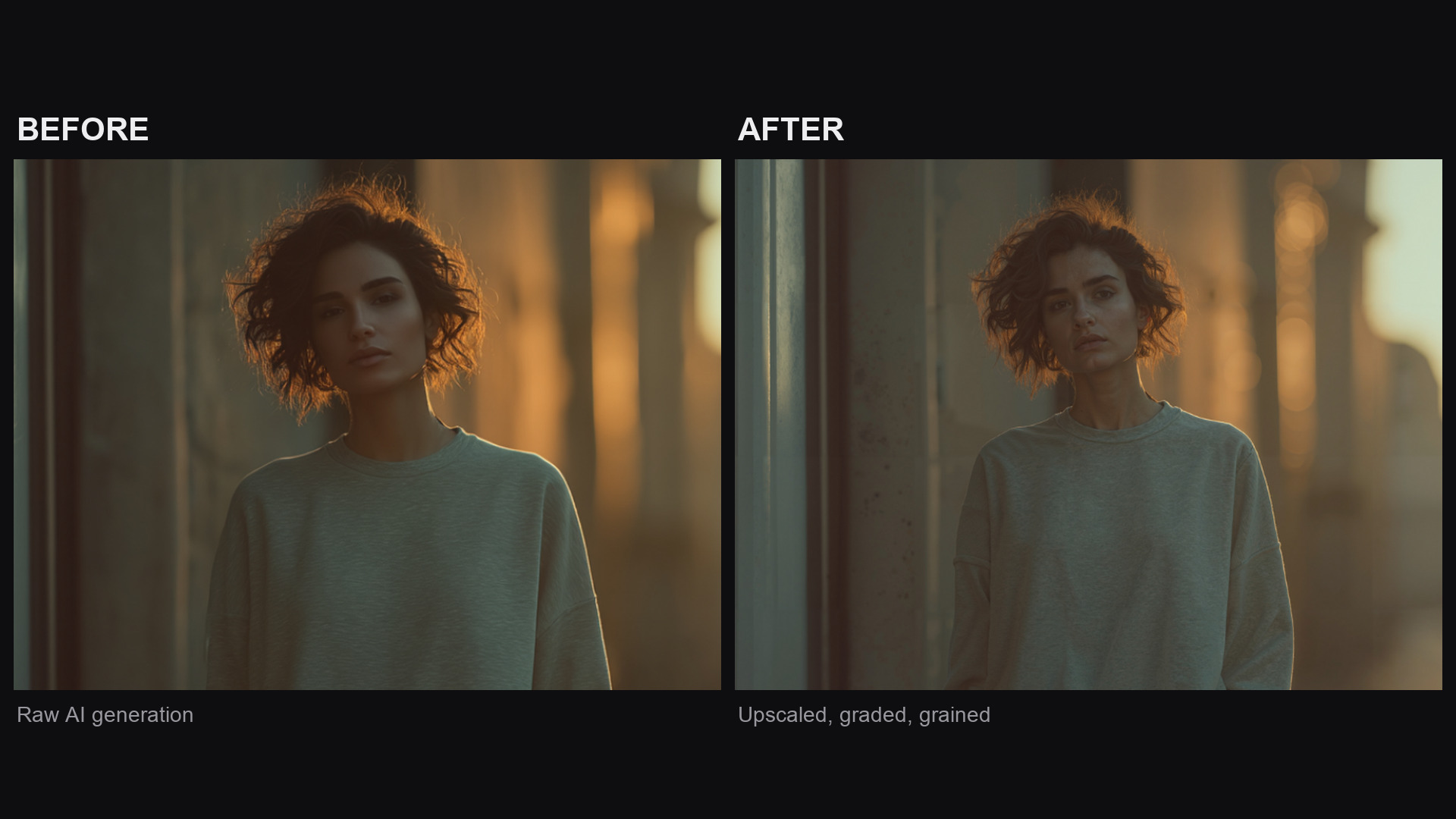
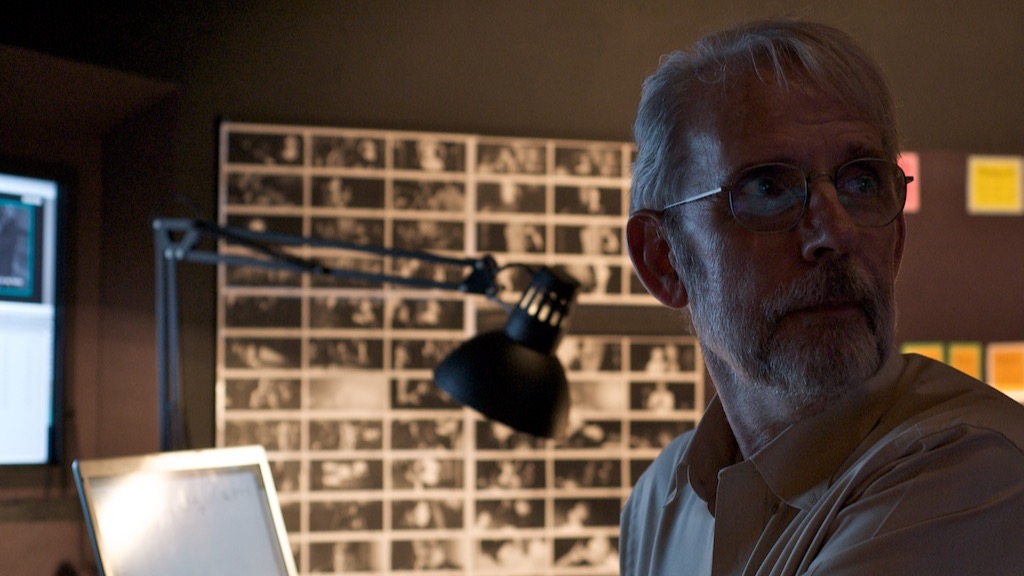
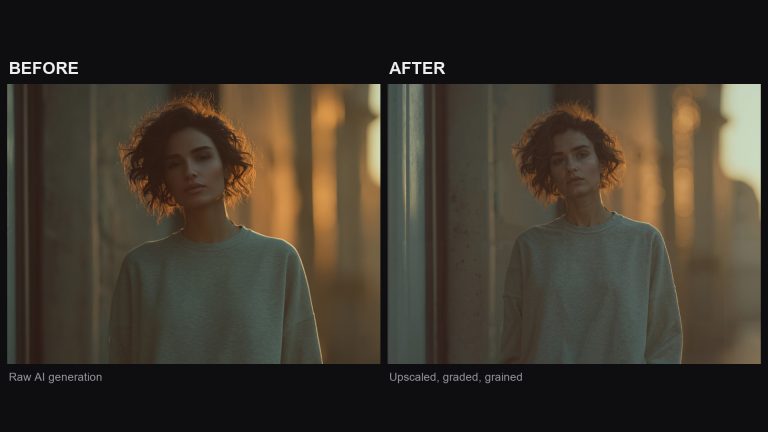
The same AI-generated frame before and after the post pass described below. Frames via Curious Refuge, from “How to Make Realistic AI Videos (Step-by-Step)”.
The Order of Operations Actually Matters
Curious Refuge’s Tyler Smith laid out a five-step version of this workflow: build consistent source images first (Midjourney mood boards, reference-locked prompts), upscale those images before animating them, generate the actual motion, upscale the resulting video to 4K, and only then touch grain and color. Skipping the upscale-before-animate step is the most common mistake, since low-resolution source images bake softness and artifacting into the motion pass in ways that no amount of post-processing fixes later.
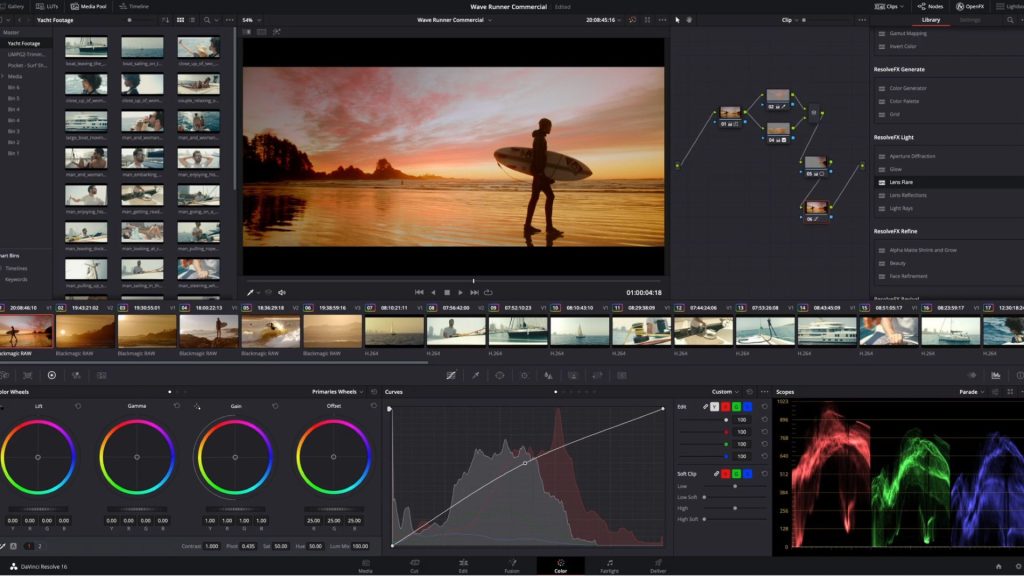
The sequencing gets more specific once you’re inside the actual grading pass. A separate documented pipeline puts it bluntly: normalize before you stylize, and blur before you grain, never the reverse. Applying grain before a light blur pass means the blur smears the grain pattern into mush; the guide’s own description of getting this backwards is blunt about the result, “you smear the grain and end up back at plastic.” Color comes before texture too, since grain and blur sit on top of the final graded image, and re-grading through a layer of texture shifts the look you already locked in.
Match a Real Reference, Not an Adjective
The most useful piece of advice in either source isn’t a slider value, it’s a discipline: grade toward a specific frame from a real film, not toward a mood. Pull actual stills from the movie whose look you’re chasing and match contrast curve, palette, and shadow density against them directly, the same way a colorist would build a show LUT from client references rather than from a text prompt like “moody” or “cinematic.” One documented AI short built its entire lighting grammar around an 85:15 dark-to-light ratio lifted from a specific James Wan horror reference, rather than eyeballing it.
That step also catches the thing AI footage does that real footage doesn’t: different generations, even from the same model, arrive with mismatched exposure and white balance from shot to shot. Normalizing every clip against scopes before applying any stylistic grade is what keeps a sequence of AI-generated shots from visibly drifting in color from one cut to the next, the same continuity problem an editor would never tolerate in footage shot on a real camera.
Grain Is the Last Layer, Not a Shortcut
Raw AI output reads as “too clean,” missing the optical softness, texture, and imperfect color response baked into anything shot on real film or even a real digital sensor. That’s exactly why grain goes on last: it’s not decoration, it’s the final signal telling a viewer’s eye this came from a physical process rather than a render. A light gaussian blur first (enough to kill the AI model’s tendency to over-sharpen skin and edges), then fine-grained texture layered at low opacity on top, is the difference between grain that reads as authentic film stock and grain that reads as an Instagram filter slapped over CGI.
This is the exact use case Grainzilla’s scanned overlays are built for, real grain pulled from actual film stock rather than a procedural noise generator, which holds up better under a heavy grade than synthetic grain does. 4K 35mm Real Film Grain and 4K Organic Grain both work as that final texture pass, applied in Resolve or Premiere after the shot is already color-matched, not before.
None of this makes AI footage indistinguishable from a real camera under scrutiny, and it isn’t supposed to. What it does is remove the one thing that breaks the illusion fastest for a general audience: footage that looks too clean to trust. Get the order of operations right, and the seam between a generated shot and the real footage cut next to it gets a lot harder to find.
Sources: