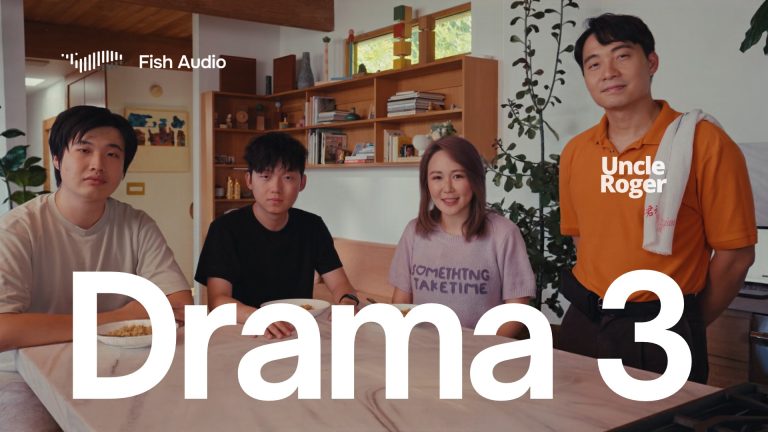
Image: Fish Audio, via fish.audio
Fish Audio Drama 3 is a text-to-speech model you direct like an actor instead of configuring like a synthesizer. You write the line, put a note in square brackets telling the voice how to play it, and the model performs it. The weights are also open, which makes it the most interesting new voice tool for anyone cutting dialogue for animation, fiction podcasts, games or short-form video.
Direction in Brackets
The syntax is the story. Fish Audio’s launch post says direction goes in square brackets, with examples like “[barely holding it together, forcing a smile],” and that inline tags such as emphasis and whisper handle partial direction inside a line. The direction can be written in any language, regardless of the language of the output, and the model supports 83 languages.
eesel’s hands-on review shows what a directed script looks like in practice:
[slow, dangerously quiet] Just one.
<whisper>Go on without me.</whisper>
I'm fine. [shaky breath] Really.
That is a script an editor can read at a glance, and it is also a direction note you can hand to a performer. The web app has an Auto Tag button that proposes initial directions for a plain script, according to eesel. In eesel’s testing, emotional shifts inside a single line worked as intended.
Fish’s CEO, Rissa Cao, puts the pitch in one line: “Voice AI has gotten very good at generating speech. The next step is directing a performance.”
Scenes, Not Just Lines
Drama 3 is built for dialogue between characters, not single narrations. The model card on Hugging Face lists speaker tags supporting up to 16 characters in one script, voice cloning from reference audio, and automatic chunking of long text that can be streamed as it renders. eesel notes that a multi-character scene renders in a single pass, which matters if you are building an audio drama or temp dialogue for an animatic and want the conversation to feel like one room.
Fish names audiobooks, audio drama, fiction podcasts, games, animation dialogue and short-form video as the target uses. That reads accurately. This is a dialogue tool first.
What It Costs
Access comes four ways: the Fish Audio web app, iOS and Android apps, an API, and the open weights on Hugging Face. On the API, Fish lists $50 per million characters as the standard rate, with a launch rate of $10 per million characters through the middle of next month. Creator plans also carry a launch discount, according to the launch post.
The License Fine Print
Open weights do not mean open season. Drama 3 ships under the Fish Audio Community License v1.0. Per Fish’s post, it is free for research and non-commercial use, and free for commercial use when you and your affiliates earn under US$500,000 a year. Above that, or to offer it as a service, you need a license from Fish. The license also prohibits voice cloning without consent, which every editor handling a client’s or an actor’s voice should treat as a rule, not a footnote.
The hardware floor is real. eesel reports that local deployment needs 32 to 39 GB of VRAM, which puts self-hosting out of reach for most laptops. For most freelancers, the web app or the API is the practical route.
How Good Is It, Really
Fish’s headline claim is accuracy. On the Artificial Analysis pronunciation robustness benchmark, it reports 93.2%, ahead of its own previous model at 88.1%, with gains on brand and place names, words that change pronunciation by context, and exact sequences like numbers. eesel’s review puts that score at the top of the table, ahead of ElevenLabs’ Eleven v4 at 91.7%.
Pronunciation is not the same as taste, though. eesel also reports that Drama 3 ranks only tenth in Artificial Analysis listener-preference tests, and that renders vary between takes. There is no editing API yet; eesel says audio inpainting is in invite-only testing. Translation for a cutter: expect to generate several takes of an important line and pick one, exactly as you would with a human actor.
Where It Fits in an Edit
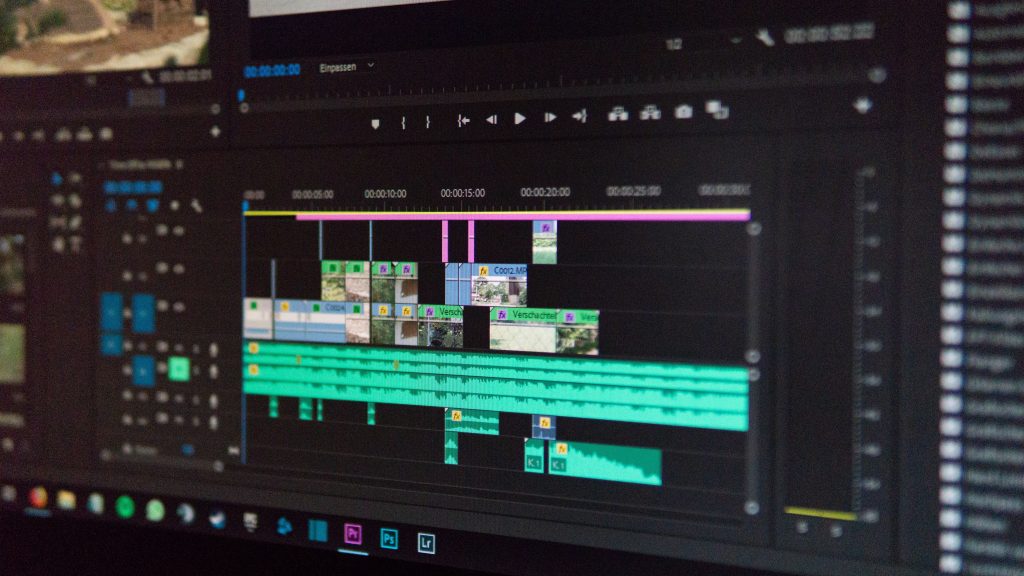
Use it for temp dialogue, scratch tracks for an animatic, and finished voices for projects where the character is not a real person. Generate each line as its own take so you can slide it on the timeline, then treat the audio like any recorded dialogue: clean it, EQ it, put it in a room with reverb that matches the picture, and bring the level in under your music and effects. Generated voices are usually too dry for the space they supposedly stand in, and that mismatch is what gives them away.
The same logic applies to picture. If the animation or AI footage around the voice is clean and flat, real texture helps it sit in a frame. Our free film grain download is a ProRes overlay you can drop on a shot to see the difference.
The Takeaway
Directing a performance in plain brackets is the right interface, because it is the one editors and directors already speak. Whether Drama 3 wins the casting is a separate question. Run the same line five times and listen for the take you would have chosen yourself.
Sources: Fish Audio, Drama 3: The Most Emotive Text-to-Speech Model We’ve Built; eesel AI, Fish Audio Drama 3 review; Fish Audio, Drama 3 on Hugging Face.