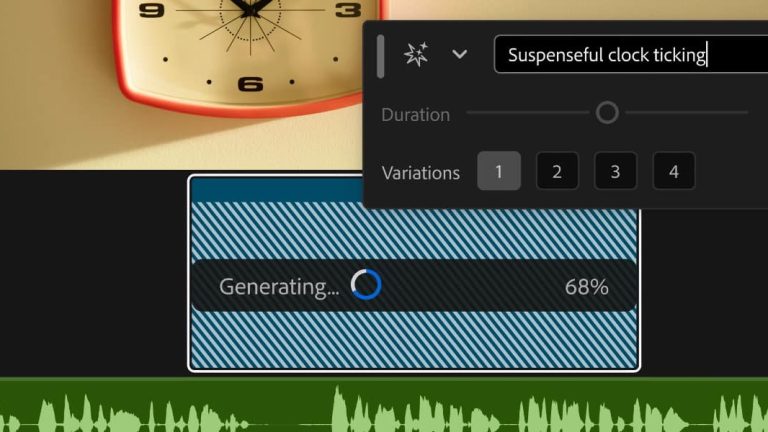
Adobe’s new Generative Media Tool went live in Premiere ahead of IBC 2026, and it changes where AI video generation actually happens for editors: not in a separate app, not in a browser tab, but as a prompt bar you drag directly across your own timeline. Announced September 8, the tool lets an editor draw a range over empty space on a track, describe what belongs there, and generate footage or sound without leaving the project.
What the Tool Actually Does
According to ProVideo Coalition’s Scott Simmons, who covered the IBC release, editors can “draw a range on any track in the timeline, describe what you need, and generate it without leaving the app.” The generated clip inherits the sequence’s resolution and aspect ratio automatically, and Adobe is pulling reference frames from the surrounding footage so the generated shot matches the visual context of the edit it’s dropping into, rather than looking like it was pasted in from nowhere. No Film School’s Jourdan Aldredge reported the same core feature set: generate video to fill gaps, generate sound effects guided by an editor’s own voice for timing and rhythm, plus two features still in beta, Generate Soundscape, which reads up to 15 seconds of video and builds a layered ambient mix, and Generate Music, which produces original scoring with tempo controls.
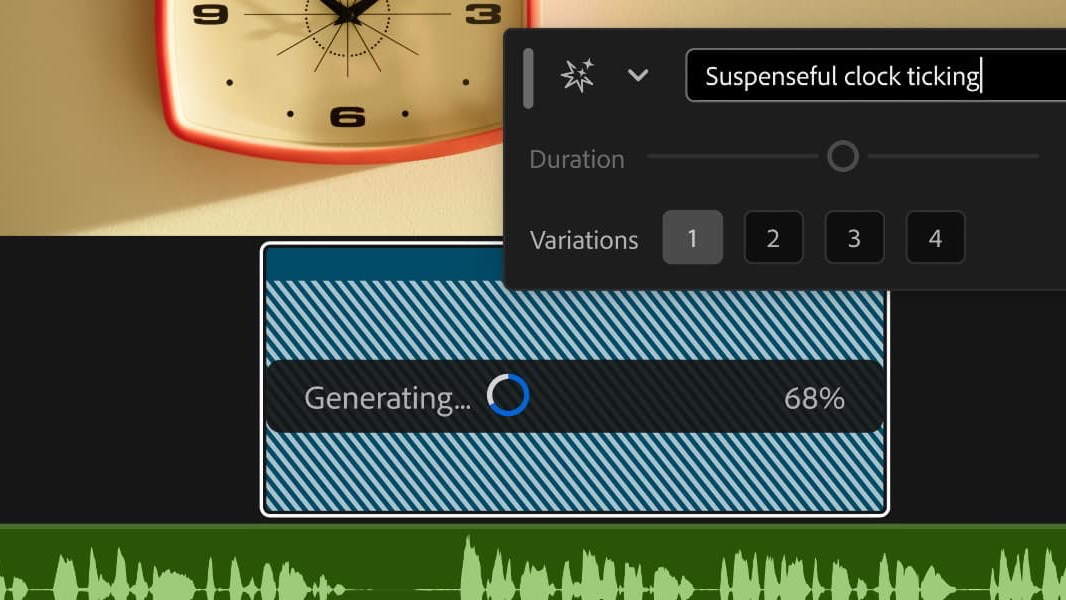
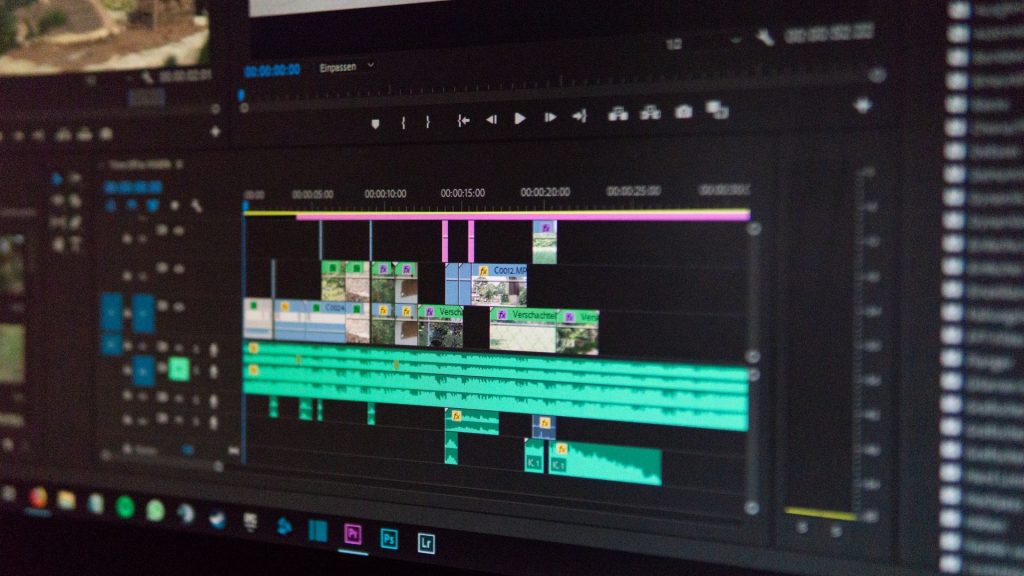
Screenshot: Adobe Premiere’s Generative Media Tool, via RedShark News.
Five Models Under One Prompt Bar
The interesting part isn’t that Adobe added a generative tool, every NLE is doing that now. It’s that Adobe isn’t backing its own model exclusively. The Generative Media Tool routes prompts through a choice of five: Adobe Firefly, Google Veo, Kling, Runway, and Luma, all selectable from the same interface. That’s Adobe positioning Premiere as the neutral pipe editors plug external AI tools into, rather than trying to out-model Veo or Kling on its own. It’s a smart bet given how fast the leaderboard among those five keeps reshuffling, and it means the tool doesn’t age out the moment a competitor ships a better model.
The Credits Problem Nobody’s Solved
Simmons tested an earlier beta version of the tool back in July and came away with a warning worth repeating now that it’s shipping broadly: “I’ve had mixed results getting it to generate something I might actually use in an edit, assuming I’m working on a project that allows generative video.” He was blunter about the cost of getting there: “I burned through 10,000 or so credits to get this almost usable shot,” adding that “it’s very easy to quickly burn through credits as you try to get, not the perfect gen ai video clip but a usable gen ai video clip.” The interface shows credit costs before you generate, which is a genuinely useful guardrail, but it doesn’t change the underlying math: iterating toward a usable clip is where the meter runs, not the first attempt.
Who Adobe Itself Says Won’t Touch It
The most honest line in Simmons’ coverage isn’t about the tech, it’s about who won’t be using it. “Network series broadcast editor? You probably won’t use it at all and may be instructed to not touch the new tool,” he wrote, and that’s not a knock on the feature, it’s an accurate read of where broadcast standards and generative video currently don’t mix. Adobe built the Generative Media Tool for the editors in between those two poles, the ones who need a placeholder shot, a temp sound effect, or B-roll they’d otherwise have to license or shoot, not the ones locked into delivery specs that don’t have a generative-AI clause yet.
Premiere just made generative video as close to zero-friction as it’s likely to get for a professional NLE, which means the bottleneck stops being access to the tool and starts being an editor’s judgment about when a generated shot actually belongs in a real cut. That judgment call was always the job. Adobe just moved it three clicks closer to the timeline.
Sources:
- ProVideo Coalition — Scott Simmons, “Adobe’s IBC Release for Premiere and After Effects”
- ProVideo Coalition — Scott Simmons, “Adobe Premiere Is Adding a Generative Media Tool”
- No Film School — Jourdan Aldredge, “Adobe Unveils New Generative Media Tool in Premiere, Plus More AI-Powered Updates”
- RedShark News, “Adobe Premiere Generative Media Tool and Color Mode: What’s New”