Image: OpenMOSS, via the MOSS-Image GitHub repository
MOSS-Image is a new open-weights text-to-image model from OpenMOSS that you can run on your own GPU, and its party trick is placement: you can tell it where each line of text and each object goes in the frame. It is a 5B-parameter model released as two checkpoints, Base and SFT, and the official repository lists Apache 2.0 for the code. It climbed Hugging Face’s trending models list within days, sitting next to FLUX 3 Image Klein and Fish Audio Drama 3.
What MOSS-Image Can Actually Make
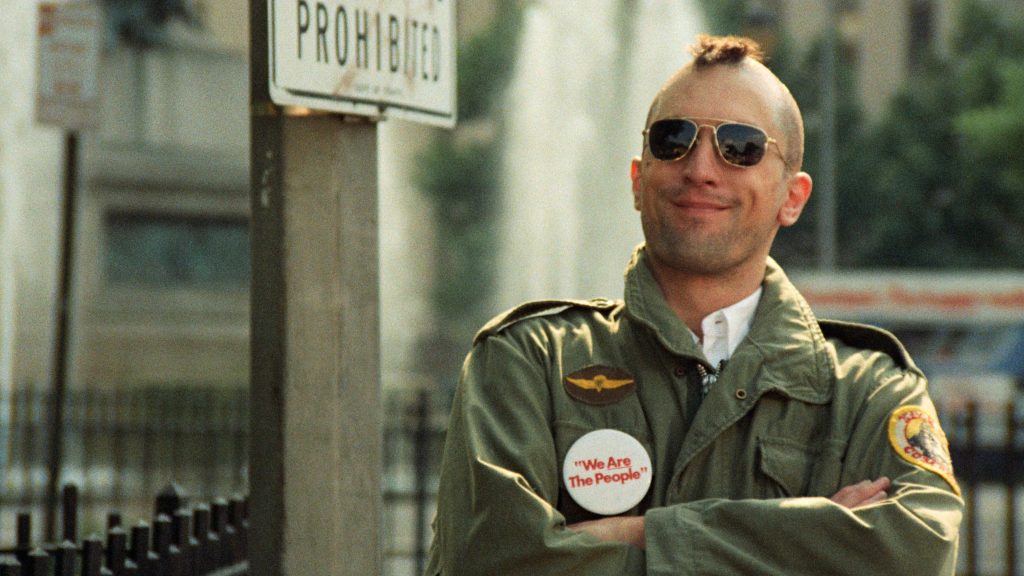
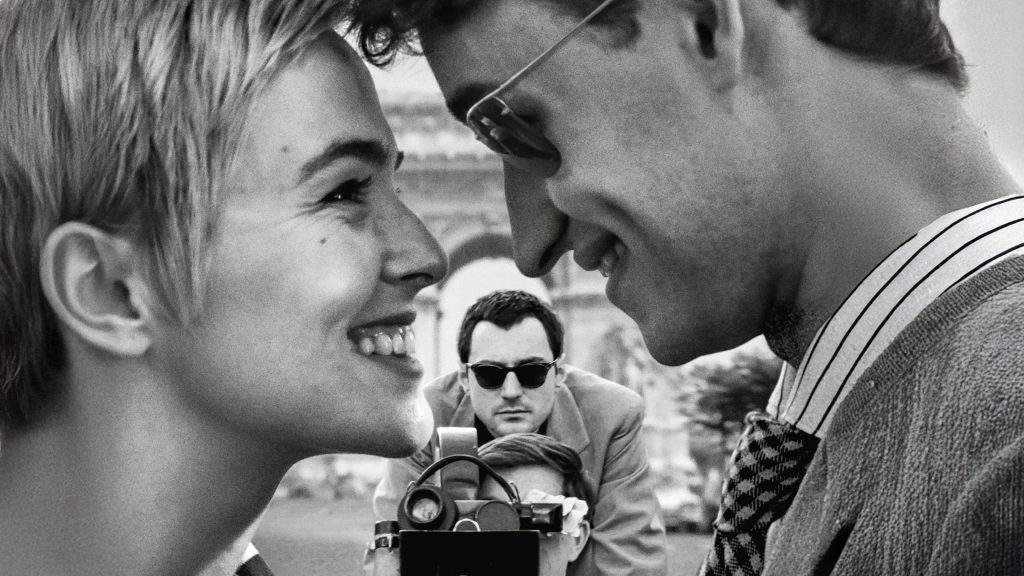
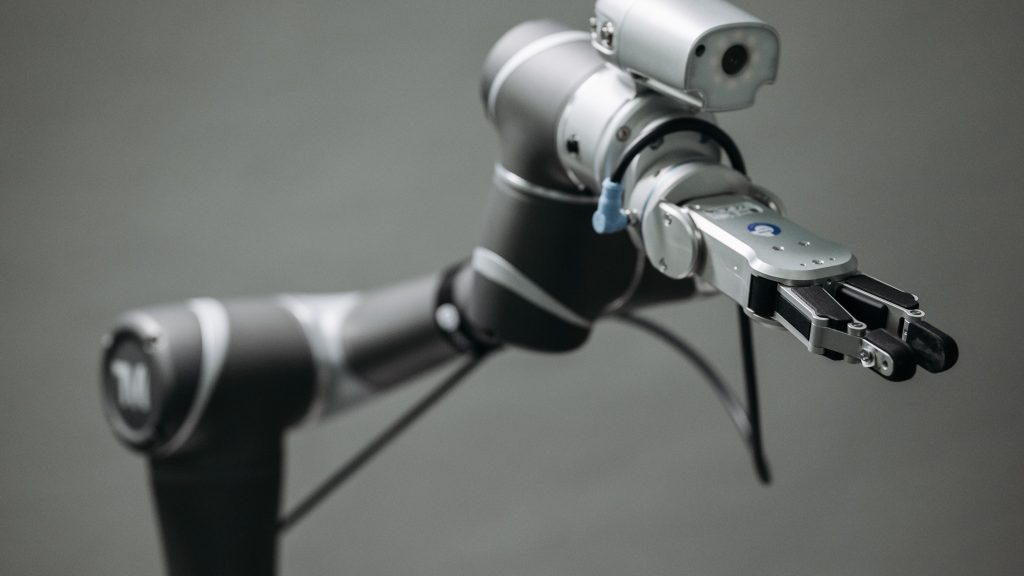
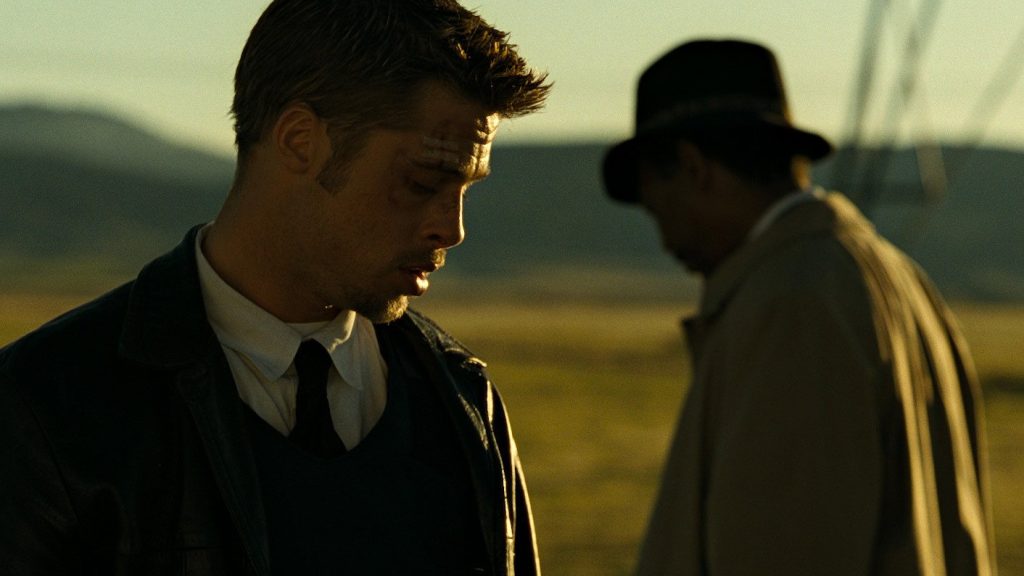
OpenMOSS pitches it on three things: legible text inside images, layout control, and long prompts. According to the repository, it renders clear text, accepts prompts up to 4K tokens, and handles both English and Chinese typography. The teaser image on the repo is a deliberate flex: a collage of landscapes, portraits and still lifes with a headline across the middle, and the caption claims the whole thing, sentence included, came out of a single pass.
For an editor, that points at the unglamorous jobs. Title cards, poster mockups, lower-third backgrounds, thumbnail concepts, storyboard frames where a sign or a book cover has to read correctly. These are the cases where most image models hand you something that looks right until you read the words.
The Layout Mode Is the Interesting Part
Instead of hoping the model puts the headline where you want it, you can feed it a JSON layout. ComfyUI Wiki’s rundown describes the format: a short summary of the scene plus a list of items, each with a label (text, character or object), a caption describing it, and a bounding box. The repository says coordinates are pixel offsets from the center of the canvas, in y-min, x-min, y-max, x-max order.
The repo’s own diagram shows the idea with a toy example: a prompt asking for a blue robot on the left, an orange cube in the middle and a potted plant on the right, a sketch of three boxes plus a table, and a finished image that respects all of it.
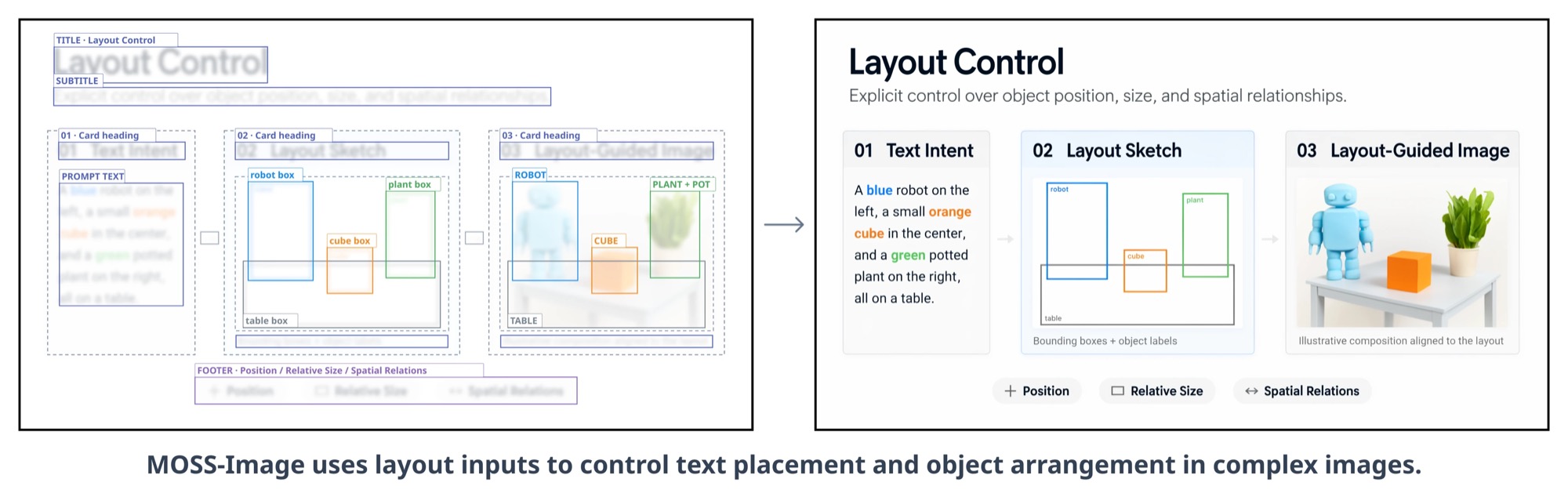
Image: OpenMOSS, via the MOSS-Image GitHub repository
If that sounds familiar, it is the same idea as the bounding-box controls we covered in our FLUX 3 Image guide. The difference is that MOSS-Image is small and open, so the placement control is free once you have the weights.
How to Run It in ComfyUI
ComfyUI supports it natively. The ComfyUI docs say the templates need ComfyUI 0.42.0 or later and four files from the Comfy-Org repository on Hugging Face: the SFT diffusion model, the Base diffusion model, a Qwen3.5 9B text encoder and a small Flux 2 VAE. There are four workflow templates, text-to-image and layout-guided, each for SFT and Base.
Settings from the docs: the templates use 25 steps and CFG 2.5 with the er_sde sampler, while the official recommendation is 50 steps and CFG 3. The default resolution is one megapixel, the suggested range is one to two megapixels, and width and height must be multiples of 16. The quantized model files are around 5.4 GB, and the text encoder is the biggest download at up to 9.8 GB, per ComfyUI Wiki.
Start with SFT. ComfyUI Wiki reports it groups text more tidily and organizes layouts better than Base, which needs 50-plus steps and a higher CFG because it lacks the inference tuning. Use Base only if you plan to fine-tune.
Where It Falls Short
This is a 5B model, and the documentation is candid about the tradeoffs. ComfyUI Wiki notes that turning off the layer-skipping setting makes output look more realistic but can collapse fine detail, so the default leans toward clean and graphic rather than photographic. I have not seen independent side-by-side comparisons against the big closed models yet, so treat the text-rendering claims as OpenMOSS’s own until people test them.
It also makes stills, not footage. If you want motion, the generated frame goes into an image-to-video tool first.
Getting a Generated Still to Sit Beside Real Footage
An AI-generated title plate or backdrop is usually too clean next to camera footage: no grain, no halation, no texture. Putting a real film-scan overlay over it, ideally a ProRes 422 file so the fine detail survives, is the fastest way to make the still feel like it belongs in the same timeline. Our free film grain downloads are a quick place to test that, and our guide to real film scan versus digital grain explains which to pick.
The useful thing about MOSS-Image is not that it beats the leaders. It is that precise placement, the kind of control a designer expects from a layout grid, is now something you can run on a desk without a subscription.
Sources: OpenMOSS, MOSS-Image GitHub repository; ComfyUI Docs, MOSS-Image in ComfyUI; ComfyUI Wiki, MOSS-Image news; Hugging Face, OpenMOSS-Team/MOSS-Image-SFT; Hugging Face trending models.