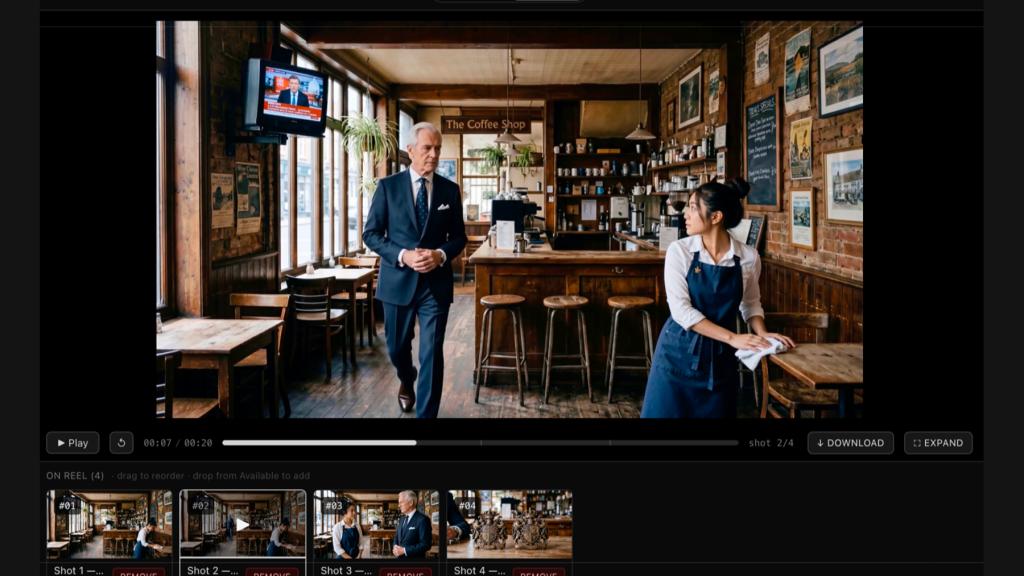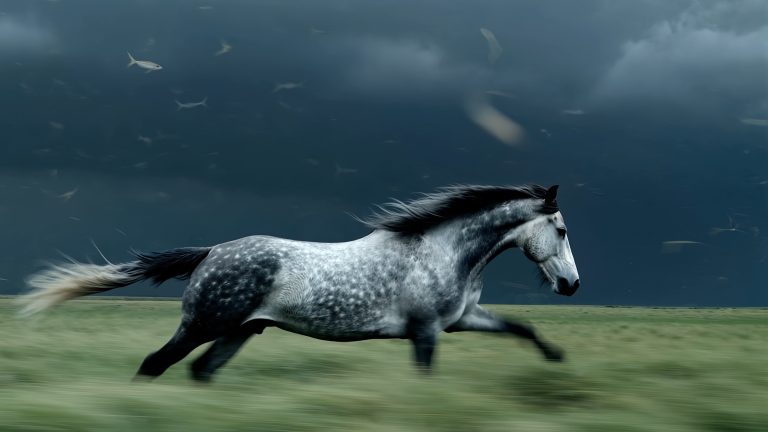
Image: Black Forest Labs, via bfl.ai
FLUX 3 Max, a video model from fal Research built on Black Forest Labs’ FLUX 3, renders a 10-second clip in about 12 seconds, according to fal’s own model page. If that holds up in your hands, it changes how you work with AI footage: you stop nursing one expensive generation and start auditioning shots the way you would audition takes.
What FLUX 3 Max Actually Is
It is not a new base model. fal says FLUX 3 Max is “post-trained” by its research team “in collaboration with Black Forest Labs, who built the base model, FLUX 3.” FLUX 3 itself is Black Forest Labs’ first video model, trained across image, video and audio, and the Max variant is a latency-optimized version of it. The headline trade is speed for resolution: Max defaults to 720p.
On fal’s numbers, a 10-second clip takes 12.45 seconds, against 277.80 seconds for Seedance 2.5 and 126.44 seconds for the original FLUX 3. That is where the “22 times faster than Seedance 2.5” claim comes from. Treat it as vendor-reported: AlphaSignal’s write-up points out that real-world latency will shift with queueing and network overhead.
Where It Ranks
Quality is the part that makes the speed interesting. On the Artificial Analysis image-to-video leaderboard (the version with audio), FLUX 3 Max at 720p sits at 1138 Elo, level with Dreamina Seedance 2.5 at 1138 and a hair behind MiniMax H3 at 1140. The margins of error are around 15 to 17 points, so those three are a statistical tie at the top. fal frames it as a tie for first, and that is fair. Kling 4.0 does not appear in that dataset yet; the best Kling entry listed is Kling 3.0 Omni, far down the table.
The ranking is for image-to-video, which matters for how you should use it. That suggests starting from a still you already like and asking it to move.
What You Can Control
The image-to-video endpoint on fal takes a start image, an optional end frame, a prompt and a seed. Clips run from 5 to 20 seconds in one-second steps, at 720p or 1080p, with audio on by default and a toggle to switch it off. Aspect ratios include 16:9, 9:16, 1:1, 4:3, 3:4, and the wide 21:9 and 2:1 for letterboxed work. There is also a text-to-video endpoint and a keyframes-to-video endpoint that uses images placed at several points in the clip.
fal’s own sample prompt shows the tone it expects: “The camera slowly moves closer as the woman turns toward the window. A light breeze moves the curtain and a few loose strands of hair.” That is a camera move, one action and one piece of secondary motion, nothing about what the woman looks like. In its prompting guide, author Bennett Heyn says “the start image sets the look and the prompt directs the motion,” and lays out a five-part structure: camera move, main action, secondary motion, light and time, then three or four specific sounds. One of his tips is worth stealing: end with “Nothing else moves” to stop the model from inventing extras.
Pricing and Access Today
You can use it now through fal, billed per second of output with no subscription. fal is running a launch promotion of $0.0425 per second at 720p and $0.0725 per second at 1080p until early November. The list price afterward is $0.17 and $0.29. At the promotional rate a 10-second 720p clip costs roughly 43 cents, so ten variations of one shot run about four dollars.
The Catches
It is a 720p-first model, and AI footage at that size is soft in a way that gives it away. For anything headed to a timeline you will want to upscale. Black Forest Labs sells a separate FLUX Video Upscale for 2K and 4K output. The leaderboard result is also a preliminary, audio-on, image-to-video snapshot; it says nothing about text-to-video or long takes.
Taking It Into the Edit
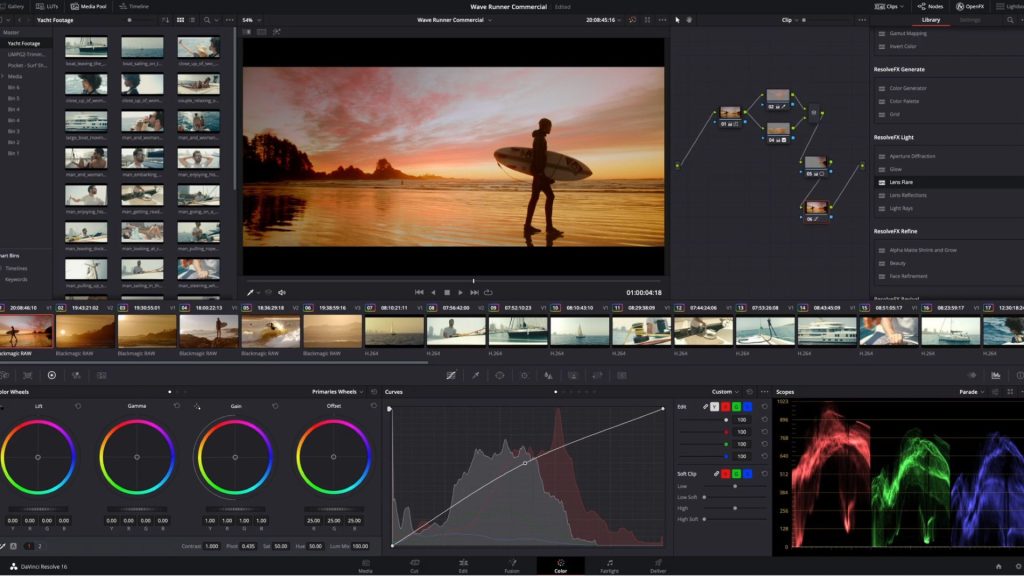
Fast generation makes the finishing step the bottleneck. Generate a handful of variations, pick the one with the best motion, then do what you would do with any too-clean source: match it to your real footage in the grade and add texture. Film grain is the quickest way to take the synthetic edge off, and our guide to adding film grain in Premiere Pro, DaVinci Resolve and Final Cut Pro covers the mechanics. If you want a place to start, the free film grain downloads are ProRes 422 files rather than compressed H.264, which matters when the grain is fine detail you are trying to preserve.
A model that renders faster than you can watch the result is a different tool from one you queue overnight. The craft question moves from “can I afford another take” to “do I have the taste to pick the right one.”
Sources: fal, FLUX 3 Max; fal, FLUX 3 Max image-to-video API; Bennett Heyn, fal, FLUX 3 Max Prompting Guide; Black Forest Labs, FLUX 3 video model page; Black Forest Labs release notes; AlphaSignal Newsroom, October 2026; Artificial Analysis, AA-Video-I2V v1.1 leaderboard, accessed October 24, 2026.