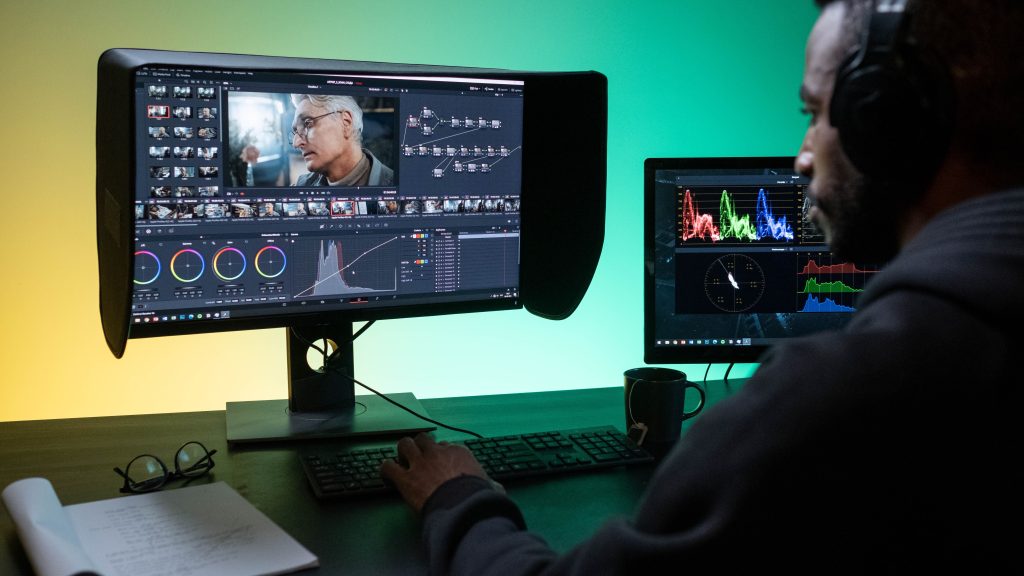
DaVinci Resolve 21.1 shipped as a free update, and Blackmagic Design buried more inside a “.1” release than most companies manage in a full version bump. Scott Simmons, writing for ProVideo Coalition, called it “a huge update” and meant it literally: new AI connections, a heavier Fusion toolset, an overhauled trim editor, and a licensing change that quietly moves one of Resolve’s most-loved free features behind a paywall.
AI That Talks to Claude and ChatGPT, Not a Built-In Chatbot
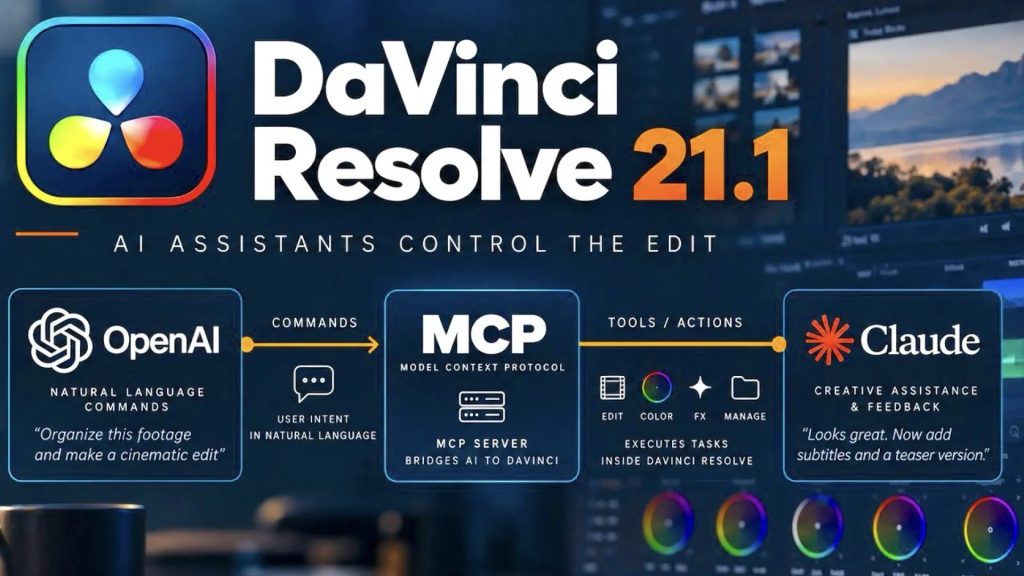
Resolve 21.1 adds AI assistant integration, but Simmons is careful to note what that actually means in practice: it’s “more a connection to tools like Claude and ChatGPT as opposed to a built-in, chat-based AI tool.” Blackmagic isn’t training its own model here, it’s wiring Resolve up to the assistants editors already have subscriptions for, which also means some users will burn through existing AI token allowances faster once Resolve starts calling on them. It’s a pragmatic choice over a flashy one, and pragmatic is generally the right call for an NLE that a lot of colorists still run on hardware that isn’t brand new.
The Editing Page Finally Gets Presets and a Playhead You Can Actually See
The update’s editing page changes are smaller individually but add up. There’s an updated trim editor, stronger multicam controls, and a playhead indicator that shows exactly where you are on a clip inside the inspector and viewer at the same time, a genuinely useful fix for anyone who’s lost their place scrubbing a long interview. Inspector presets, a feature editors have wanted for years, finally arrive too. Simmons’ one complaint is a fair one: the presets will “always be a scale and not a zoom,” a small but real limitation for anyone hoping to save more nuanced parameter combinations.
Fusion and Fairlight Both Get Real Upgrades, Not Just AI Window Dressing
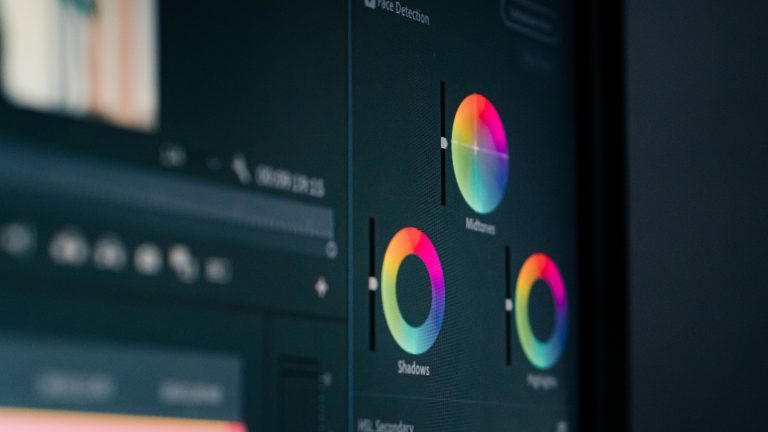
The more substantial work happened outside the edit page. Fusion adds more than 25 additional Krokodove tools on top of the 70-plus introduced in version 21, and Simmons describes the new batch as “genuinely useful for motion graphics work inside Resolve” rather than filler. Fairlight’s Animator, which drives visual animations directly off audio wavelengths, now has adjustable low and high pass filters, giving sound editors finer control over which frequencies actually trigger movement. Studio users also get individual MultiMaster trims on the color page, letting graded adjustments apply more granularly across grouped clips instead of forcing one trim across everything.
The Real News Is What Moved Behind the Studio Paywall
Buried under the feature list is the change that will actually annoy the free-tier crowd: Python scripting capability has moved to Resolve Studio only, a $295 one-time purchase. Blackmagic has always sold Studio as the pro tier with extra color and noise-reduction tools, but Python scripting was one of the free version’s quiet superpowers, the thing that let hobbyists and small shops automate their own workflows without paying a cent. Walling it off doesn’t break the free edition’s core promise, Resolve remains a genuinely complete NLE and colorist tool at no cost, but it’s a reminder that “free forever” software still has levers its maker can pull whenever it wants a cleaner line between casual and professional users.
A Subscription Alternative That Still Isn’t Charging Monthly
Blackmagic’s pitch here has always been the anti-Adobe one: pay once, or don’t pay at all, and get real color and edit tools either way. Resolve 21.1 doesn’t abandon that pitch, it just narrows exactly where the free line sits. For editors deciding between NLEs, that’s worth knowing before you build a workflow around a feature that could, at some point, quietly move out of reach.
Sources: