Runway published its own recommended workflow for generating AI B-roll and cutting it into real footage, and it’s worth walking through step by step, because the gap between “impressive AI clip” and “usable cutaway that doesn’t scream fake” is almost entirely process, not prompting luck. The guide, posted to Runway’s own resources page, lays out a four-step method any editor can follow with whatever generative video tool they already have open, plus the two things nearly every guide like this leaves out: continuity discipline and what to do once the clip is actually on your timeline.
Find Your Cutaways in the Transcript First
Runway’s first step isn’t opening a generator at all. It’s going back through your A-roll transcript and marking three things: lines that describe something visual you didn’t shoot, jump cuts that need covering, and any stretch running longer than 20 seconds without a visual change. That list becomes your actual shot list. The guide is explicit about the ordering here: “mark the lines describing something visual, the jump cuts that need covering” before you generate a single frame, so you’re not burning credits on clips you’ll never use.
Write the Prompt in Four Parts
For each shot on that list, Runway recommends a fixed prompt structure: camera movement, scene, action, then detail. The more useful advice is what not to do. “Describe what you want rather than what you want to avoid, since ‘no camera shake’ tends to produce camera shake,” the guide notes, which lines up with how most generative video models actually handle negative prompting badly. If you don’t want a handheld wobble, describe a locked-off frame instead of telling the model to avoid shaking.
Lock Continuity Before You Generate
This is the step that actually separates a matched cutaway from a shot that reads as obviously pasted in. Runway has editors lock four things in every prompt before generating: color temperature (warm tungsten versus cool overcast daylight), light direction and hardness, lens character (shallow or deep focus, wide or long), and camera energy (locked-off versus handheld). Generate three to six variations of anything that actually matters in the cut and treat them as takes, not finished footage, the same way you’d cover a scene with multiple angles on a real shoot. And lock your aspect ratio to your timeline before generating rather than cropping afterward, since a post-generation crop undoes the framing you actually asked for.
Cut It In and Grade It Together
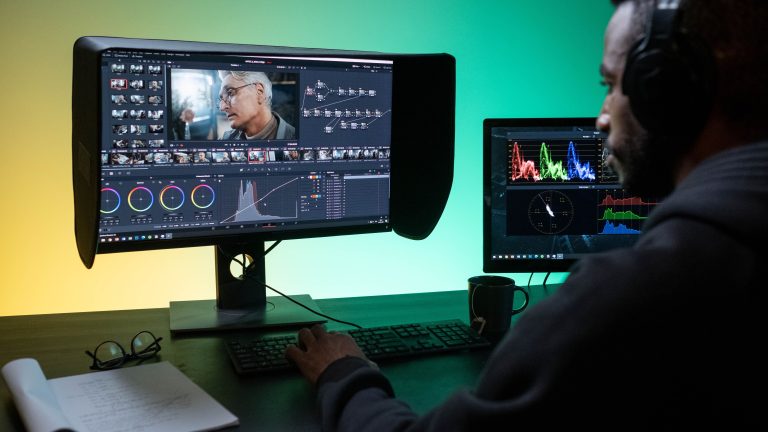
Once you’ve got a clip, Runway’s guidance is to trim aggressively: 2 to 3 seconds for a fast cutaway, 3 to 6 seconds for anything meant to hold as a mood shot. The critical line in the whole guide might be the simplest one: “grade the generated clip alongside your A-roll rather than in isolation.” Color correcting an AI clip on its own, then dropping it into the timeline, is how you end up with a shot that’s technically well-graded and still looks wrong next to everything around it.
The Last Mile Is Grain, Not Prompts
Even a well-matched, well-graded AI clip usually still reads as synthetic for one reason: it’s too clean. Real film and real digital sensors both carry a grain structure and a certain amount of optical imperfection that generative models don’t reproduce, because they were never shooting through a lens in the first place. No Film School’s Jourdan Aldredge has made the same point about matching footage sources generally, noting that overlays “shot organically on an actual film camera from real film stock” carry a texture that synthetic grain generators don’t fully replicate, because the grain pattern comes from real silver-halide crystals reacting to real light, not a noise algorithm. That’s the actual reason a layer of real, organically-shot grain — something like Grainzilla’s 4K 35mm Real Film Grain or 4K Organic Grain overlay — does more to sell an AI cutaway than another round of prompt tweaking. Drop it over the graded composite at a low blend opacity, matched to whatever grain level the rest of your footage already carries, and the AI shot stops looking like the cleanest thing in the sequence.
None of this makes the generation itself the hard part anymore. Any of the current tools will get you a usable clip on the first or second try. What still takes an editor’s judgment is everything Runway’s guide is actually about: knowing which shot needs covering, matching light and lens before you generate instead of after, and finishing with the same texture the rest of your film already has.
Sources: