Adobe Camera Raw 18.6 added a Glow tool this week, and it lives in the Effects panel directly below the grain tool, which is not a small detail. Adobe just told every photographer using Photoshop that halation, bloom, and diffusion, the optical side effects of shooting on actual film, are now sliders sitting next to synthetic grain. That’s the software industry admitting, in its own UI layout, that grain was never the whole story.
What The Glow Tool Actually Does
The tool ships with three named styles. According to PetaPixel’s Jeremy Gray, Diffusion is “a sort of general Orton-style glow,” Bloom is “significantly more targeted toward the brightest areas of the frame,” and Halation is “styled more like simulated film halation, which gives light sources a strong, red bloom effect.” Each style comes with Range, Spread, and Warmth controls, so you can decide which tones catch the glow, how far it spreads, and whether it leans warm or cool. Adobe’s own description, reported by Digital Camera World’s Hillary K. Grigonis, frames it simply: “Glow spreads light from the brightest areas of your image into surrounding tones, creating everything from a subtle haze to a strong cinematic bloom.” Right now the feature is exclusive to Camera Raw inside Photoshop, with Lightroom support expected later.
Why Adobe Built It This Way
Halation isn’t an artistic flourish film cameras chose. It’s a side effect of the emulsion itself: light hits the film base, reflects off the back, and re-exposes the layer from underneath, producing that soft red-orange fringe around bright highlights. Grigonis notes that modern digital lenses are engineered with coatings specifically to suppress flare, which is exactly the optical behavior older film stocks couldn’t avoid. Adobe didn’t invent a new look here. It reverse-engineered an old flaw and packaged it as three dropdown options with a masking toggle, so the glow can be painted onto a single light source instead of applied globally.
The Part That Should Interest Video Editors
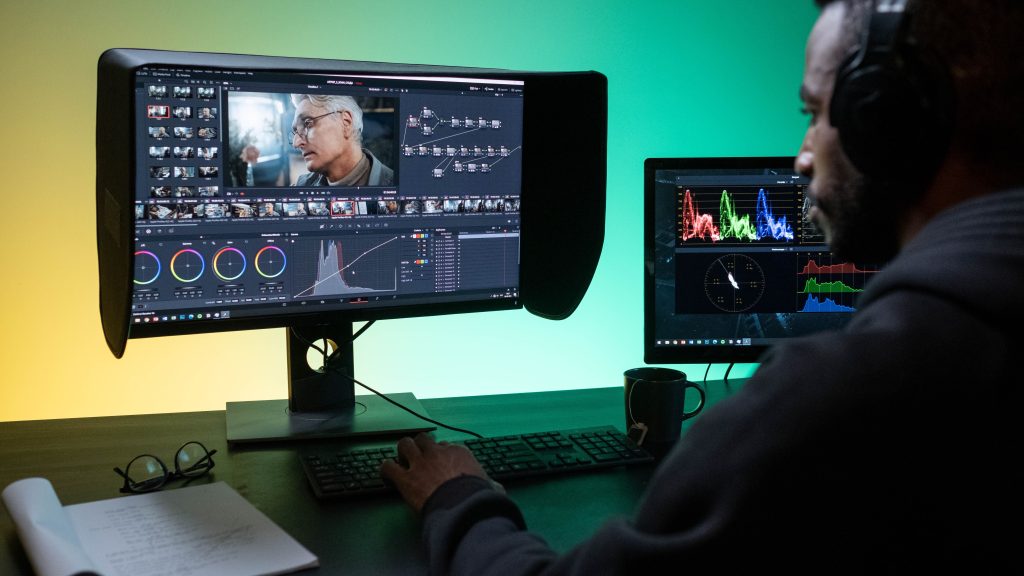
This ships in Camera Raw, a stills tool inside Photoshop, not in Premiere Pro, DaVinci Resolve, or Final Cut Pro. If you cut video for a living, you can’t touch this slider on your timeline today, and there’s no indication yet that Adobe is porting Glow into Lumetri Color. But the direction is worth watching closely, because it tells you what Adobe considers table stakes for a “film look” toolkit going forward: not just grain, but the light-scattering behavior grain never simulated on its own. A grain overlay with no halation is only doing half the job real film stock did to a bright window or a practical lamp in frame. Overlay packs that layer both together, texture and light bloom, are modeling something closer to the full physical behavior of film than grain alone ever was.
Software Catching Up To What Editors Already Knew
Editors who’ve spent time compositing real 35mm scans over digital footage already understand this instinctively: grain alone reads as texture, but halation and bloom are what make bright light sources feel like they’re punching through an actual emulsion instead of just noise sitting on top of a clean digital highlight. Adobe placing Glow right underneath the grain control in its own panel is a tacit admission that the two effects belong together, not as separate afterthoughts but as one physical package. It took a photo tool to say it out loud, but it’s the same conclusion anyone building analog-look overlays for video has been working from for years.
None of this replaces what a real scan or a well-built overlay stack does across a moving image, and none of it exists yet for anyone cutting in an NLE. But it’s a signal worth logging: the biggest software company in this space just spent an engineering cycle making the case that grain by itself was never enough, and if that logic holds inside Photoshop, it’s only a matter of time before it shows up on a video timeline too.
Sources: