Avid Media Composer 2026.8 went live on September 1, timed to a full unveiling at IBC 2026, and it’s a genuinely split release: real agentic editing tools bundled with a storage-licensing change that has part of the post-production community openly furious.
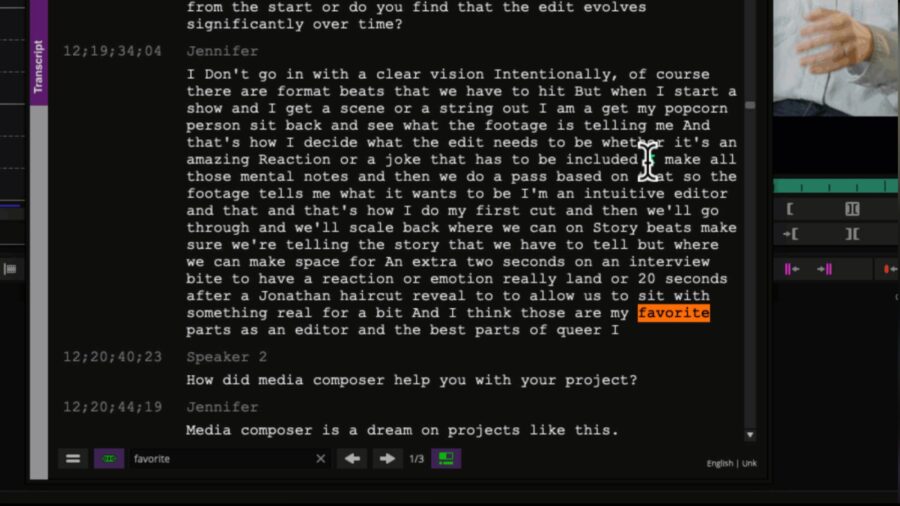
Photo: Avid, via CineD
Ready to Edit and the AI Multicam Pass
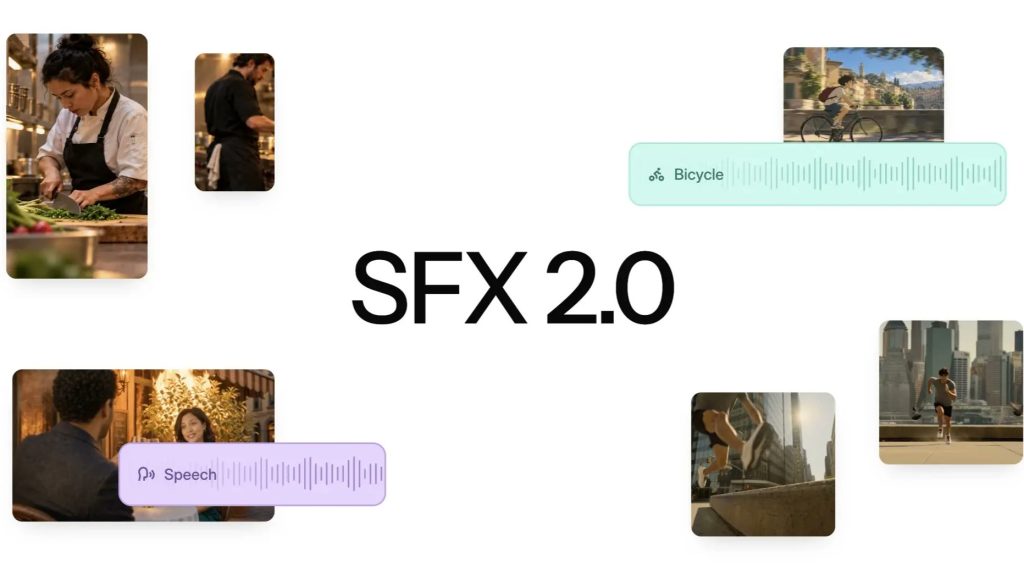
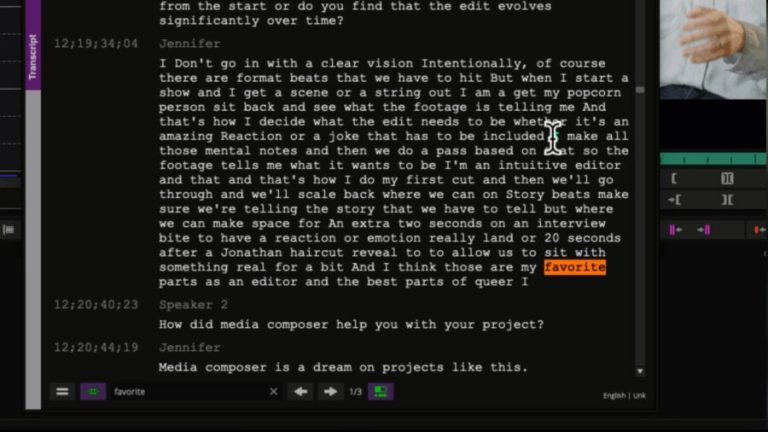
The headline feature is Ready to Edit, an agentic capability Avid says is built to accelerate content preparation before an editor ever touches a timeline, without taking over the creative decisions. It runs alongside deeper integration between Media Composer and Avid Content Core, so editors can search and pull assets from a wider media library without leaving the app, plus a new embedded Google Gemini panel for AI-assisted tasks inside the interface. The more immediately useful tool for anyone cutting interviews or panels is PhraseFind AI Multicam Auto Cut, which reads AI-generated transcripts, identifies who’s speaking, and assembles a first-pass multicam sequence with cuts landing on speech boundaries. Avid is careful to frame it as a starting point rather than a finished cut, which matters, because an auto-assembled sequence built from speaker detection alone is a rough draft, not a director’s cut, and treating it as anything more is how you end up with cuts that ignore reaction shots and pacing. Media Composer First, the free tier, also lost its old restrictions on track count and resolution, turning it into an actually usable entry point for students rather than a demo.
The Change Nobody Asked For
Buried in the same release notes is a change that has generated far more traffic on editing forums than any AI feature. Media Composer’s bin locking and Shared Projects features have historically worked on non-Avid storage through emulation, most commonly via Mimiq, a tool from the company Hedge. Starting with 2026.8, Avid blocks that emulation path outright. Facilities running EditShare, Facilis, LucidLink, or OWC Jellyfish now have two options: move to Avid’s own NEXIS storage, or upgrade from Media Composer Ultimate to Enterprise, a jump RedShark News reports pushes the annual license from around $540 to somewhere between $900 and $1,300. Avid’s own knowledge base frames the move as a security and workflow-integrity fix, arguing that unsupported storage configurations risk project conflicts and lost work. Hedge sees it differently, calling it “a walled garden disguised as a licensing update.” The company also confirmed that Media Composer 2025.12 will remain the last version with third-party bin locking intact, so shops that don’t need the new features can simply not upgrade.
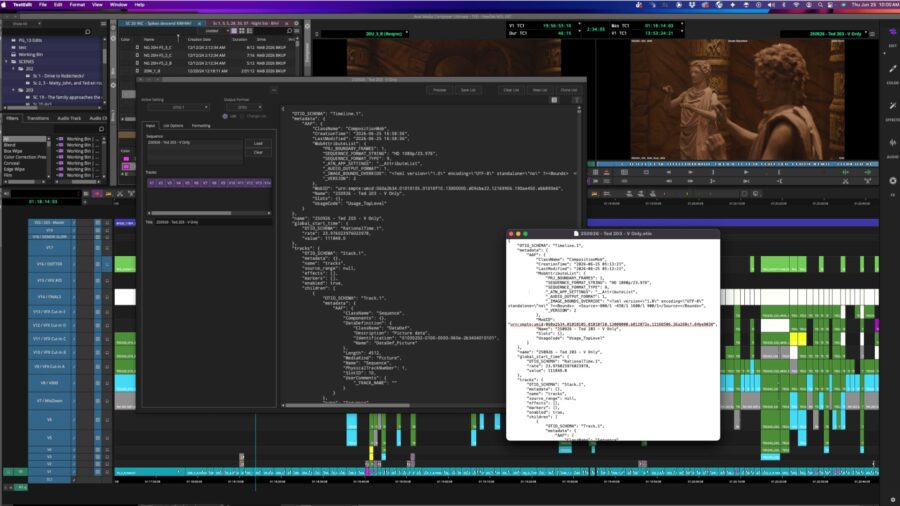
Photo: Avid, via CineD
Why This Matters Beyond One NLE
The timing is what makes this worth flagging beyond Avid’s own user base. A release note that leads with agentic transcription and an AI panel is exactly the kind of update most editors skim past the changelog on, trusting that the interesting part is the new capability, not the fine print about storage compatibility. That’s precisely where a vendor narrowing which third-party hardware and storage vendors your shop is allowed to use without a tier upgrade tends to land, because nobody reads licensing changes with the same attention they give a new AI button. Smaller facilities that built their pipeline around cheaper shared storage rather than Avid NEXIS are the ones actually paying for this, not the studios that already run Enterprise.
None of this makes Ready to Edit or the multicam tool bad additions. It just means the real decision an assistant editor needs to make before clicking update isn’t which AI feature demoed well at IBC. It’s whether the storage your facility already paid for still works the same way next Monday.
Sources: