Image: Kandinsky Lab, via GitHub
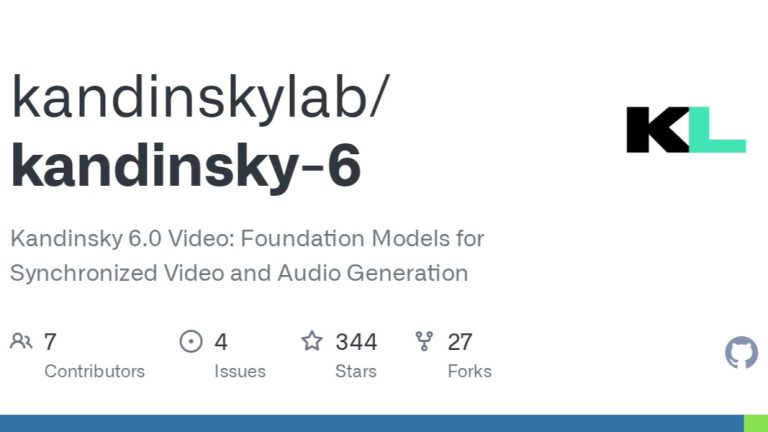
Kandinsky 6.0 Video is a pair of open-weight models that generate a video clip and its soundtrack in a single pass, including speech with lip-sync, and anyone can download them under an MIT license. It comes from Kandinsky Lab, the generative-media team at Sber,, and it treats sound as part of generation rather than an afterthought.
What Kandinsky 6.0 Video Does
There are two sizes: a 29-billion-parameter Pro and a 3-billion-parameter Lite. Per Kandinsky Lab’s GitHub repository, both do text-to-audio-video and image-to-audio-video, and both produce 5-second clips with synchronized 44 kHz audio. The ComfyUI Wiki puts the frame rate at 24 fps. A separate super-resolution model takes the output to Full HD.
The audio covers speech with lip-sync, ambient effects and music, according to coverage of the launch, and you can switch audio off for silent video. ComfyUI says the model generates “image and soundtrack together in one pass” rather than adding sound later. For an editor, that means a clip arrives with footsteps, room tone and a mouth that matches the words, rather than a silent shot you must sound-design from nothing.
How to Run It
The weights are on Hugging Face under the kandinskylab organization, and the code is on GitHub. ComfyUI support shipped the same day: install the kandinsky6 and kandinsky6-sr extensions through ComfyUI Manager and you get bundled text-to-video and image-to-video templates. The ComfyUI Wiki says the default in ComfyUI is a distilled 10-step version of Pro, and Pro and Lite both come in distilled forms that trade a little quality for speed.
If you don’t have a GPU, the capability is also available free inside Sber’s GigaChat assistant, according to Russian-language coverage of the release.
The Hardware Reality
Open weights are not the same as easy. The repository requires an NVIDIA GPU, and its benchmark numbers show how much it matters: about 1,247 seconds for Pro at Full HD on an RTX 4090, against about 402 seconds on an H100. That’s roughly twenty minutes for a five-second clip on a top consumer card. Lite is the realistic option for most desktops, and I found no published quality comparison between Lite and Pro, so test your own prompts before you plan around it.
What It Is Good For
Five seconds is short, and the clip is the unit. Think of it as a B-roll and insert generator: a close-up of a character saying a line, a street with real ambience, a product shot with a sound hit. It is not a replacement for the 30-second, multi-reference clips that hosted models now offer, such as Seedance 2.5, which has its own Draft Mode workflow. The trade is control and cost. Because the weights are yours and the license is MIT, there is no per-second bill, no content queue and no platform that can change the terms next month.
Tencent Hunyuan’s Prism, also released that week under MIT as a research preview, goes after the same joint video-and-audio idea at up to 2K, according to the Kombitz roundup. Open audio-video generation is clearly where the open-weights field is heading.
What I Couldn’t Verify
I found no independent side-by-side tests against hosted models, so I can’t tell you how Kandinsky’s picture quality compares with Seedance, Kling or Veo. Everything about capability above comes from the developers and the ComfyUI team. The 44 kHz label also says nothing about how good the speech sounds, so listen with headphones before you promise a client dialogue from a local model.
Finishing It in the Edit
Treat Kandinsky output as raw material. Upscale with the included super-resolution model, conform color to your other footage, and rebuild the sound mix around it: keep the generated dialogue as a reference and replace it if the voice doesn’t hold up. Finally, add grain. A generated clip has no film texture, and a real 35mm scan on top is what lets it sit next to shot footage. Grainzilla’s film grain downloads are ProRes 422 rather than compressed H.264, which matters because the fine detail grain is made of doesn’t survive a delivery codec.
A model that finally gives you sound is useful. A model that gives you sound you’d actually keep in the mix would be better.
Sources: Kandinsky Lab, kandinsky-6 repository, GitHub (Oct. 6, 2026); ComfyUI Wiki, “Kandinsky 6.0: Video and Audio Generation in ComfyUI” (Oct. 6, 2026); ComfyUI Wiki, “Kandinsky 6.0: ComfyUI Setup and Model Guide”; Tinkoff Journal (T-Zh), “Sber presented the free Kandinsky 6.0 Video model”; Kombitz, “AI Image & Video Model News Roundup, October 10, 2026”.