Avid Media Composer 2026.8 is out, and the update splits into two stories that don’t sit comfortably together: a genuinely useful AI multicam tool for editors, and a licensing change that just picked a fight with a third-party storage company.
Auto Cut Learns to Follow the Conversation
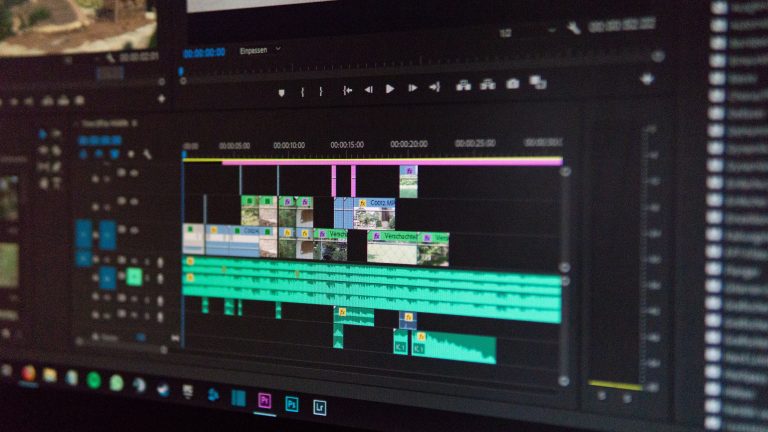
The headline feature is PhraseFind Multicam Auto Cut, which builds on Avid’s existing AI transcription to generate a first-pass multicam edit on its own. Editors assign speakers to camera angles inside the Transcript Tool, cut the group clip into a sequence, then right-click and choose Auto Cut, according to ProVideo Coalition’s Scott Simmons. From there, the software “analyzes the transcript and cuts to the active speaker automatically,” landing cuts on speech boundaries rather than arbitrary points in the timeline. It’s built for interviews, panels, podcasts, and other unscripted, multi-speaker setups, exactly the kind of footage where camera-switching is repetitive and mechanical work that eats an editor’s morning before the actual craft even starts.
That distinction matters. This isn’t AI generating a finished cut, it’s AI removing the tedious setup pass so an editor can spend their attention on performance, pacing, and reaction shots instead of manually syncing who’s talking to which angle. Simmons also notes the transcript tool now keeps versioning, so an original AI transcript stays intact even after an editor starts reshaping it, with new options for splitting segments, grouping speaker lines, and breaking text into paragraphs by duration.
A Genuinely Free Tier, Finally
Media Composer | First, Avid’s free educational tier, lost its old restrictions on video and audio track counts and its resolution cap, according to CineD’s Johnnie Behiri, who calls it “a true no-cost entry point into professional editing.” For a program that’s spent years being the industry standard in scripted television and film finishing while staying largely locked away from students and hobbyists without a paid seat, that’s a real shift in who gets to learn the tool professionals actually use on set.
The Storage Fight Nobody Asked For
The friction is in how Avid is handling collaborative storage. Media Composer 2026.8 officially supports Shared Projects on third-party NAS and SAN environments, but only through Media Composer Enterprise, which requires a $99 upgrade from an Ultimate license, per Simmons’ reporting. Behiri reports that as part of this change, Avid closed off the NEXIS and ISIS emulation path that third-party tools, most notably Hedge’s Mimiq, had used to deliver bin locking and shared-project functionality on non-Avid storage. Behiri describes Hedge’s public reaction to the change as “a sharply worded public response,” which tells you this wasn’t a quiet backend cleanup. It was a decision that took a workflow some editing teams had already built their storage setup around and routed it back toward Avid’s own paid tier.
What Actually Changes on an Editor’s Desk
Put the two halves of this release together and the pattern is familiar: give away more at the entry level, tighten control higher up the stack. Editors starting out get a far more capable free tool than they had before. Editors already running shared storage on a NAS through a third-party workaround now have a decision to make about whether Enterprise pricing is worth avoiding the disruption. Neither move is unusual on its own, Adobe and Blackmagic both play the same game with their own tiers, but shipping both in the same release, timed for IBC, makes it hard to read 2026.8 as purely a gift to editors. It’s also a nudge toward Avid’s own storage ecosystem.
The Auto Cut feature is the part worth actually using. The storage change is the part worth reading the fine print on before your next shared-bin session.
Sources: