Runway just shipped a feature that has nothing to do with generating footage and everything to do with what happens after: Enhance Frame Rate, a retiming model now live on Runway Dev that converts any video — Runway-made or not — to a target frame rate, including the fractional broadcast standards editors have been hand-conforming for decades.
What It Actually Does
This isn’t a generative model. There’s no prompt box, no reference image, no style transfer. You feed it a clip — up to five minutes long, up to 4K — and it synthesizes the intermediate frames needed to land on your target cadence: 24, 25, 30, 48, 50, 60, or 120 fps, plus the fractional NTSC rates 23.98, 29.97, and 59.94. It’s built into the Enhance menu, Tool Mode, Workflows, and Agent on Runway’s Max+ plans, and it’s also exposed as an API endpoint for anyone building it into an automated pipeline.
The pricing is the part worth noting if you’ve priced out Topaz Video AI or run RIFE locally: Runway bills by input duration, not output frame count. A credit costs a cent, and the rate is one credit per two seconds of source footage — so converting a 90-second clip runs about 45 cents whether you’re targeting 25 fps or 120 fps. Stretching to a higher frame count doesn’t cost more, because the model is billed on what you feed it, not what it produces.
Why the Fractional Rates Are the Actual News
The 120 fps ceiling is the headline number, but for anyone delivering to broadcast or streaming, the fractional rates are what matters. As orcarouter.ai’s technical breakdown of the feature points out, reinterpreting an hour of 24 fps footage at 23.976 lengthens the sequence by roughly 3.6 seconds — a shift that disrupts timecode, audio sync, and delivery QC if it isn’t handled cleanly. That conversion has traditionally meant a separate conforming pass, whether in Resolve, Premiere, or a dedicated standards converter, before a project can go out the door for multi-territory delivery. Folding it into the same tool that might have generated or upscaled the shot in the first place removes a step that used to require its own line item.
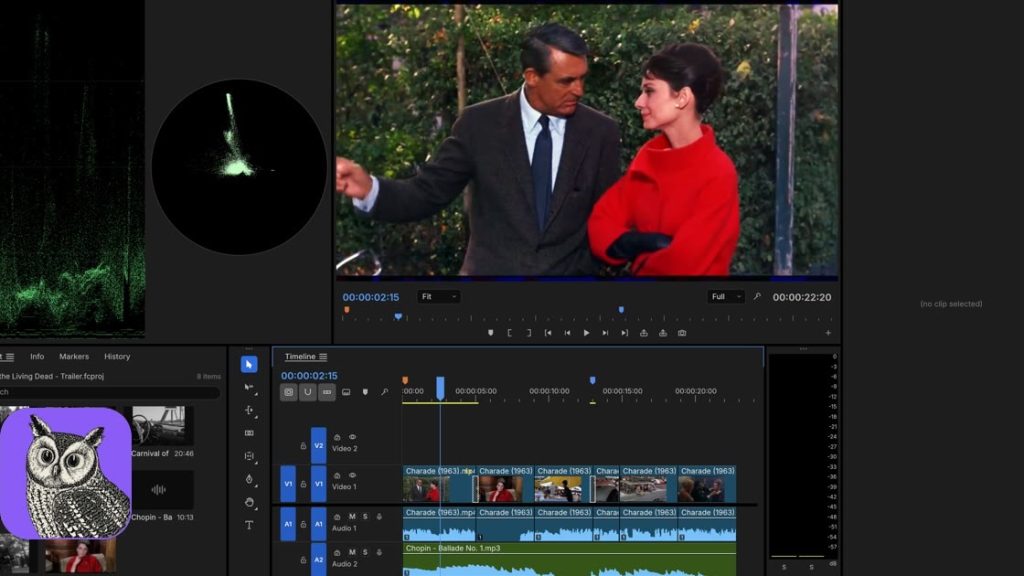
It lands three weeks after Runway shipped plugins for Premiere Pro and After Effects directly into Adobe’s own panel system, which is the more telling pattern here: Runway isn’t just building better generation, it’s building the boring connective tissue — plugins, conforming, retiming — that determines whether a generative shot can actually survive a real delivery pipeline instead of just looking good in a demo reel.
What It Doesn’t Do Yet
Runway hasn’t published independent benchmarks against Topaz, RIFE, or its own Apollo and Chronos models, and there’s no documented scene-cut detection. Feed it a sequence with hard cuts and it will happily try to interpolate across the edit point unless you segment the clip at each cut yourself first — a manual step that undercuts some of the convenience. Anyone testing this on a real timeline should expect to export shot-by-shot rather than running a full sequence through in one pass, at least until Runway documents otherwise.
The Part Retiming Can’t Fix
Getting an AI-generated shot onto the right frame rate solves a technical compatibility problem, not a visual one. A Sora or Kling clip conformed to 23.976 and cut next to real camera footage will still read as synthetic if nothing addresses the texture mismatch — the too-clean gradients, the absent sensor noise, the interpolation smoothing that can make motion look slightly wrong even at the correct cadence. That’s a separate fix, and it’s a grain and color-matching problem, not a frame-rate one. Runway just made sure the clip lands on the right beat. Whether it belongs in the cut next to it is still on the editor.
Sources:
- Runway — “Enhance Frame Rate” changelog entry (September 17, 2026)
- Runway Dev — “Available AI Models” documentation
- orcarouter.ai — “Runway Enhance Frame Rate: 120 fps at 1 Credit per 2s” (September 2026)
- AlphaSignal — “Runway Brings Broadcast Frame Rates up to 120fps to Its Video API” (September 2026)
- Releasebot — Runway AI Release Notes, September 2026 (Runway Plugins for Adobe, September 8, 2026)