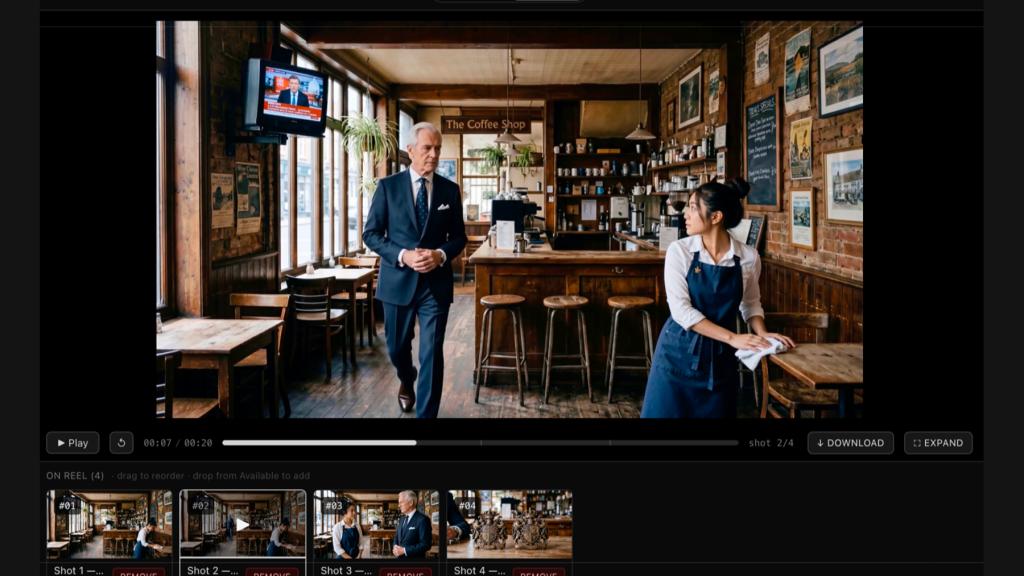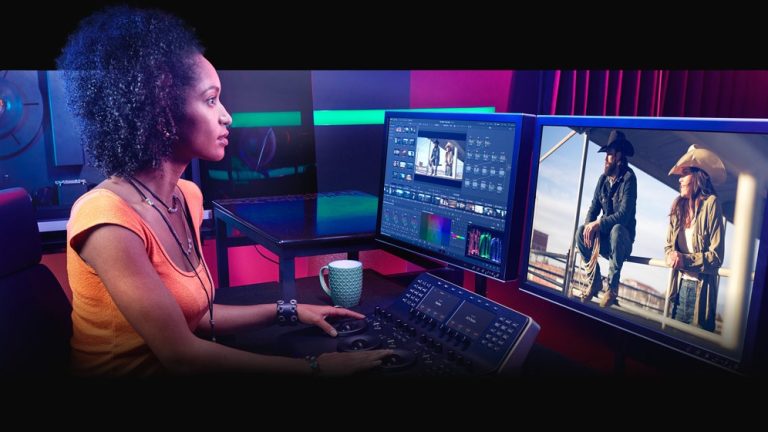
DaVinci Resolve 21.1 shipped at IBC 2026 with a feature that changes who’s allowed to touch your timeline: a native MCP server that lets Claude, Claude Code, and ChatGPT Codex organize media, cut highlight reels, and batch-render your project through plain conversation. Blackmagic Design released the update on September 8, and buried in the same changelog is a much less flattering decision — Python scripting, long free to every Resolve user, now requires a Studio license.
An Open Door Instead of a Chat Panel
Every NLE is bolting some kind of AI assistant onto itself this year, but Blackmagic took a different architectural bet than its rivals. Rather than build a chat panel inside Resolve, the company opened an MCP connection so whatever assistant is already running on your desktop can reach directly into the app. CineD’s Nino Leitner called that choice “more interesting than the chat panels Adobe has been bolting onto its apps,” noting that Blackmagic “is opening a door so that whatever assistant you already use on your desktop can reach into Resolve” rather than containing the AI inside the NLE itself. ProVideo Coalition’s Scott Simmons, who’s used AI integrations across multiple editors this year, put it more simply: “That’s the easiest AI integration I’ve had with any of my NLEs.”
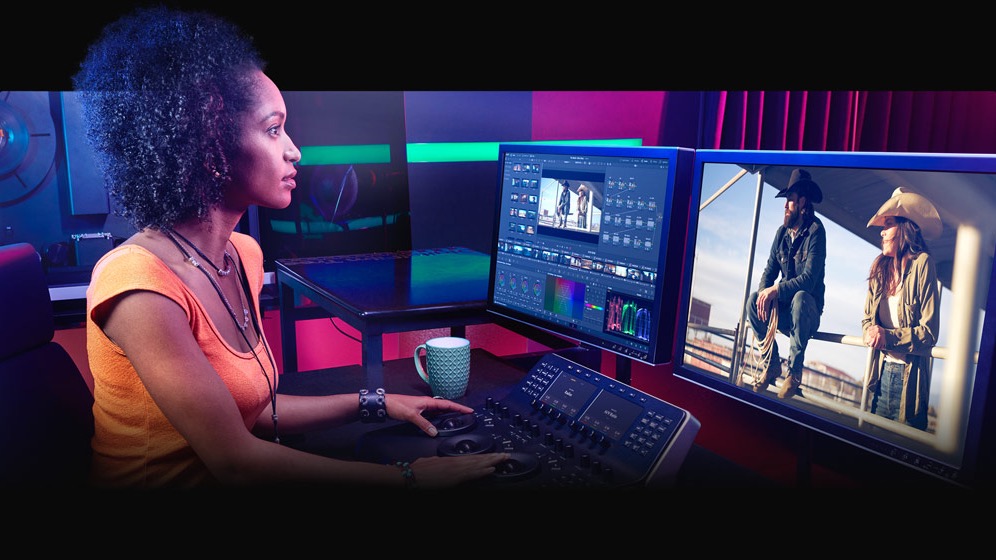
Photo: Blackmagic Design
What that connection actually does in practice is narrower than the marketing implies, and appropriately so. No Film School’s Jourdan Aldredge and Newsshooter’s Matthew Allard ACS both describe the same core use cases: organizing media, creating highlight edits from long-form footage, and rendering deliverables, all through conversational prompts rather than menu-diving. Leitner’s caution is worth repeating for anyone tempted to hand over more than that: “anyone tempted should run it on a throwaway project before trusting it with anything a client will see.” An AI assistant that can batch-render and reorganize bins is also an AI assistant that can quietly wreck a project structure you don’t have backed up.
What Actually Matters for Colorists
The AI headline is getting all the attention, but the update most colorists will actually feel daily is Individual MultiMaster trims, now covering Dolby Vision, HDR10+, and HDR Vivid. That lets a colorist apply an adjustment that ripples across a group of clips while still keeping separate control per trim — the kind of thing that sounds small until you’re three hours into a high-volume grading pass and realize you’d otherwise be redoing the same correction one clip at a time. Camera format support also expanded meaningfully: DJI D-Gamut2, GoPro Log, Leica L-Log, and Vivo Wide Gamut all get native log profile support, and the Photo page picked up direct camera control for Fujifilm, Leica, and the Sony Alpha 7R VI.
Editors get real gains too: multicam workflows now support shortcuts across up to 25 angles with grid size retention when switching, the trim editor got a pass on mouse drag and nudge controls, and Inspector presets are finally saveable — Simmons called their absence until now “a glaring omission.” Fusion picked up more than 25 additional Krokodove shape and 3D tools on top of the 70-plus already there.
Free Users Lose Python
The update’s least popular change is also its most candid. Python scripting access — the API power users relied on to automate everything from render queues to custom title templates — now belongs exclusively to Resolve Studio. Blackmagic didn’t dress up the reasoning: “The Python API was being used to hack studio features into the free version.” That’s an unusually blunt admission that the free edition’s scripting door had become a workaround for paid features, and the company closed it rather than patch around it forever. Simmons, notably, backed the call, arguing the free version remains feature-rich enough to justify the distinction against Studio’s $295 one-time purchase, and pointed out Blackmagic is still avoiding the subscription model competitors have normalized: “Unlike subscriptions, which have become normal but lock people’s work up unless you pay monthly, we want to offer a differentiation from charging monthly license fees.”
Whether that trade lands depends entirely on whether you were one of the people using Python to automate a real workflow or just poking at the API out of curiosity. For the former, 21.1 just quietly became a $295 update. For everyone else, it’s a free download with a genuinely useful color and multicam pass, and an AI assistant worth testing exactly once on a project nobody’s waiting on.
Sources:
No Film School — Jourdan Aldredge, “DaVinci Resolve Gets AI Assistant Integration and Other New Features With Latest 21.1 Update”
ProVideo Coalition — Scott Simmons, “DaVinci Resolve 21.1 Is a Huge Update”
CineD — Nino Leitner, “DaVinci Resolve 21.1 Released – AI Assistant Integration via MCP, Individual HDR Trims, and Python Scripting Moves to Studio”
Newsshooter — Matthew Allard ACS, “Blackmagic Design DaVinci Resolve 21.1”