

Add a film grain overlay in CapCut step by step: import the grain, place it on an overlay track, set Blend to Overlay or Soft Light and dial in opacity.
Film look
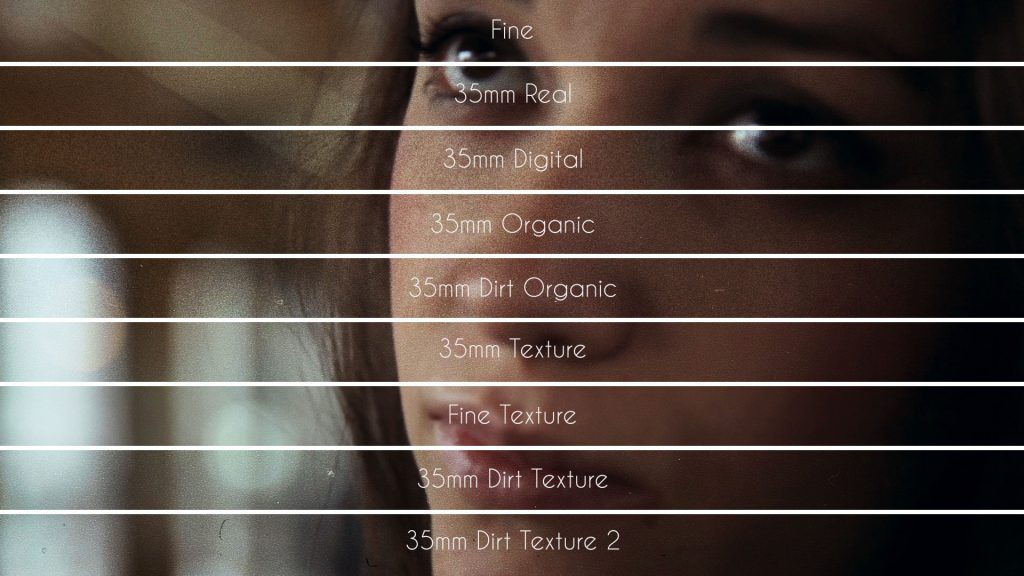
35mm vs 16mm vs 8mm Film Grain: Which Look Do You Need?
35mm grain is fine and cinematic, 16mm grain is coarser and more visible, and 8mm grain is heavy and nostalgic. The difference comes from the size of the film frame:…
Read More 
Cannes Just Proposed an “Organic” Certification Label for Films — We Already Built That for Video
Somewhere in a boardroom in the south of France, someone looked at 130 years of cinema and said: “You know what this industry needs? A label. Like on a carton…
Read More 
PortraiTO – People of Toronto
PortraiTO is an innovative project about a series of micro-documentaries of people who live in Toronto, Ontario, Canada that have an interesting story to tell and that represent the spirit and…
Read More 
Making Digital Video Look Like Film
There are several things you can do in post-production to make your video look like film, and I’m going to talk with you about them in this article. But it’s important…
Read More 